01
Launch kit in one file
Canvas Darkroom Kinetic
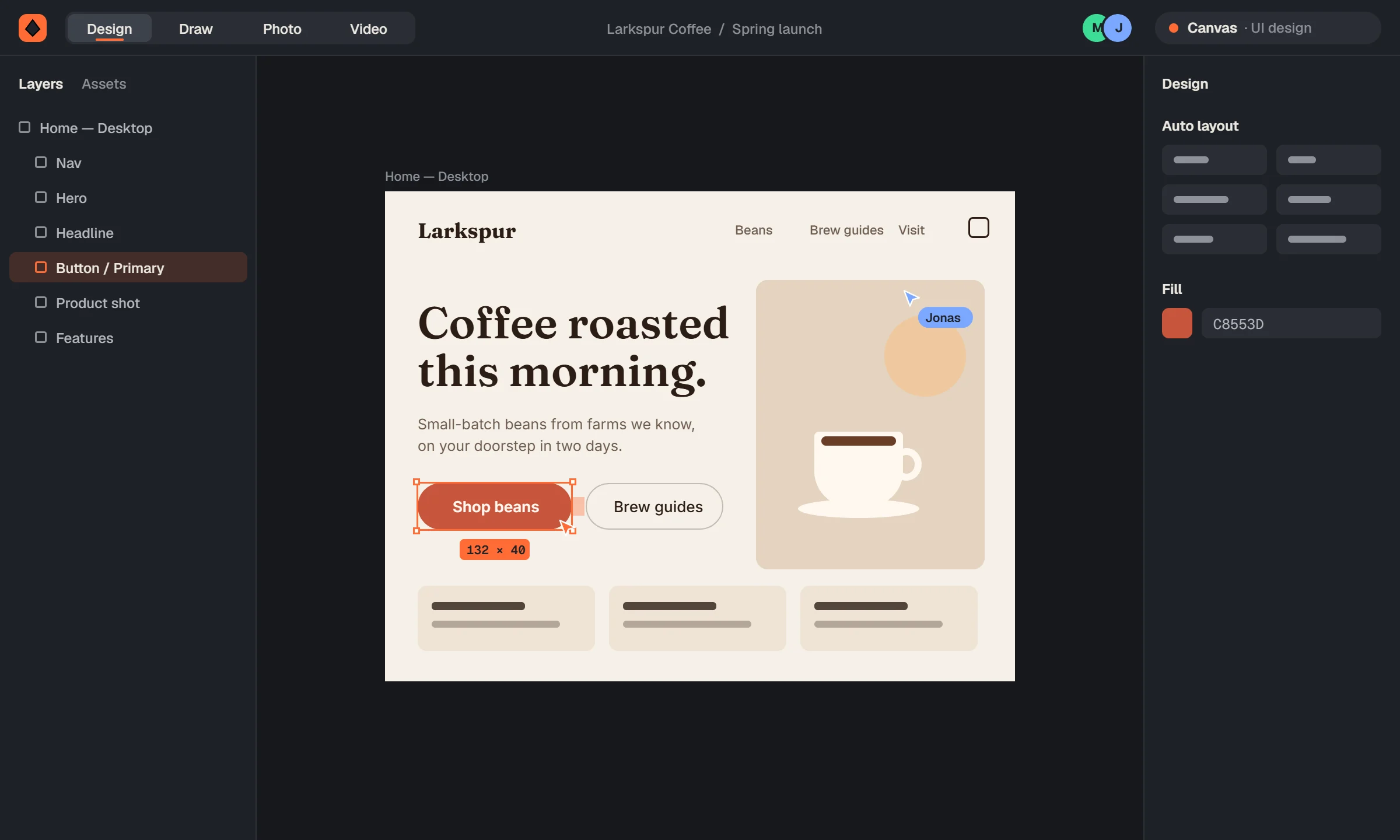
Design the page in Canvas, clean up the product shot in Darkroom, animate the hero in Kinetic, then export Lottie and MP4. Nothing leaves the file.
Nine studios · one file · free during the beta
Design like Figma. Draw like Illustrator. Edit photos, cut video and animate, all in the same file, with your team, live.
Invite-only while we're in beta. Ask and we'll email you when there's a spot.
The suite
Every studio is a workspace of the same editor. Switch at the top of the screen and keep working on the same file, with the same layers, colours and people.
Closest to Figma + After Effects
Cross-studio workflows
When every studio edits the same file, the hand-offs disappear. Three things people do in one sitting:
01
Canvas Darkroom Kinetic
Design the page in Canvas, clean up the product shot in Darkroom, animate the hero in Kinetic, then export Lottie and MP4. Nothing leaves the file.
02
Canvas Spark
Paste a website address. The brand kit pulls its colours, fonts and logo into colour variables, text styles and a brand sheet, then Spark draws a matching icon set.
03
Autocut Reel
Drop in a rough cut. Autocut asks what you want, then edits it and writes the YouTube package: Shorts, thumbnails, and a description with chapters.
In our own test run: a 1:32 rough cut with fillers, long pauses, a flubbed take and a tangent became a 47-second edit, 0 fillers left, captions, 3 chapters, music ducked under speech, a vertical Short, 3 thumbnails and title, description and tags.
Switching
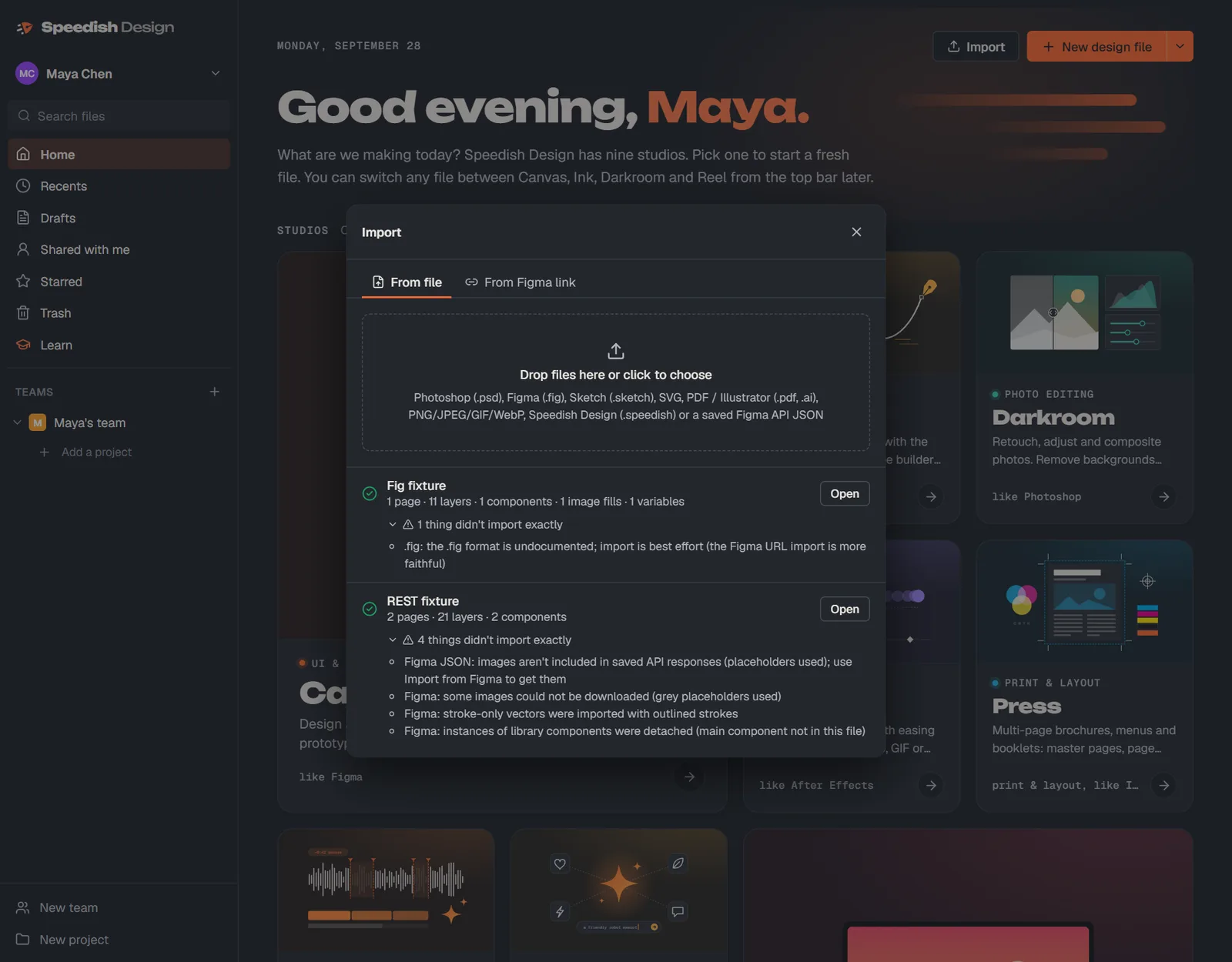
Drop in your files. Anything that doesn’t map over gets listed in a report, so nothing disappears quietly.
Speedish AI
It works on real layers and a real timeline, so you can keep going by hand.
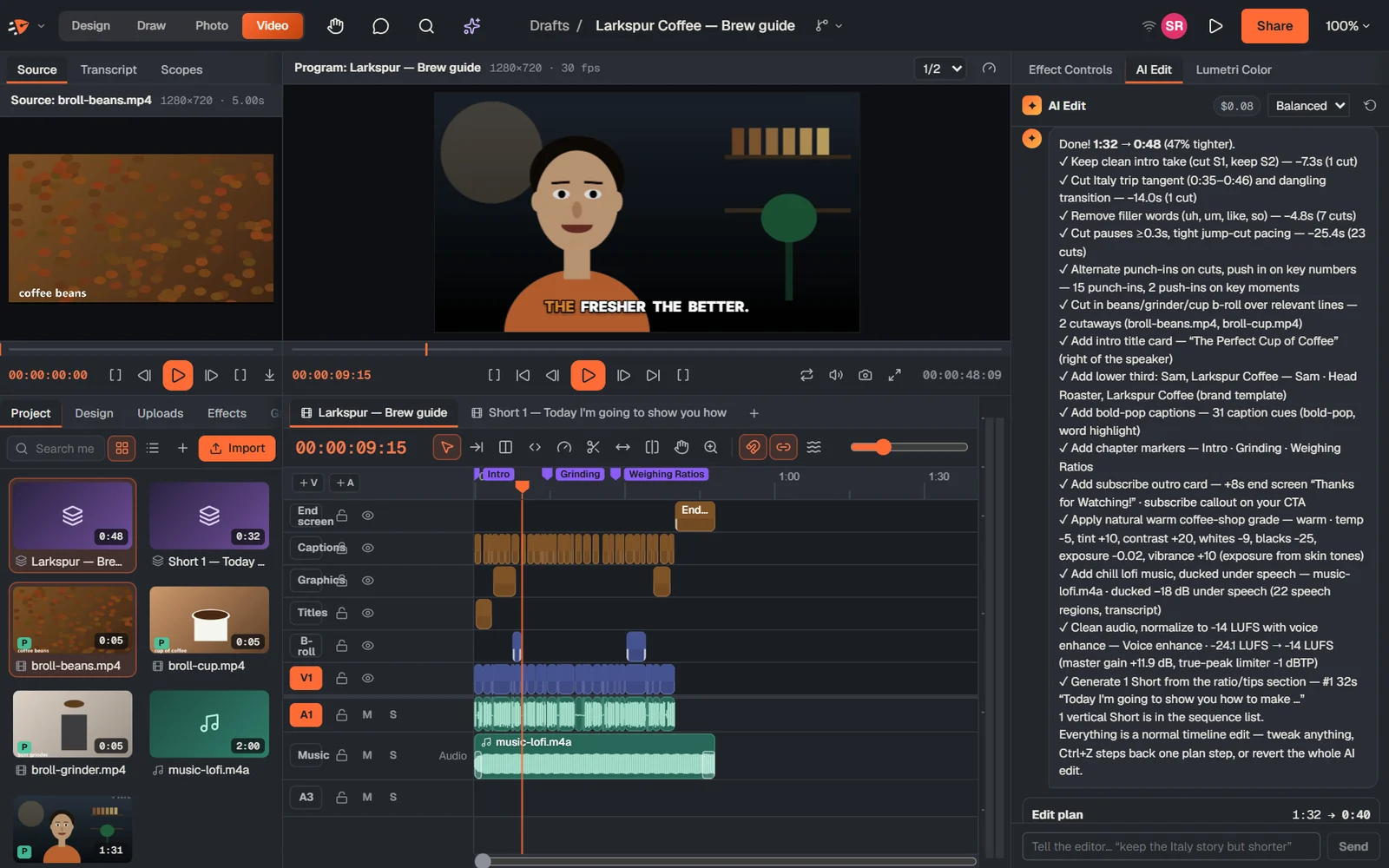
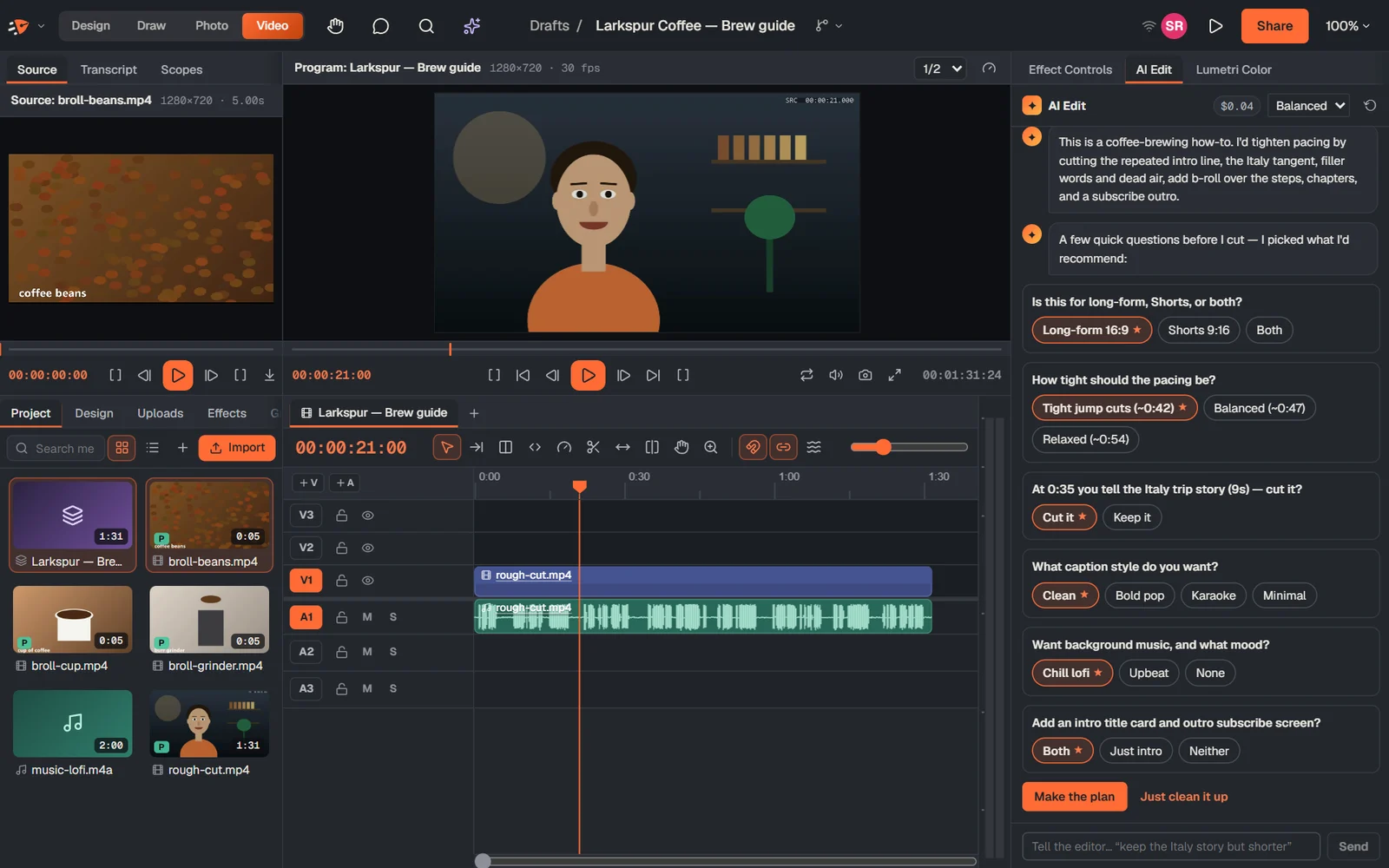
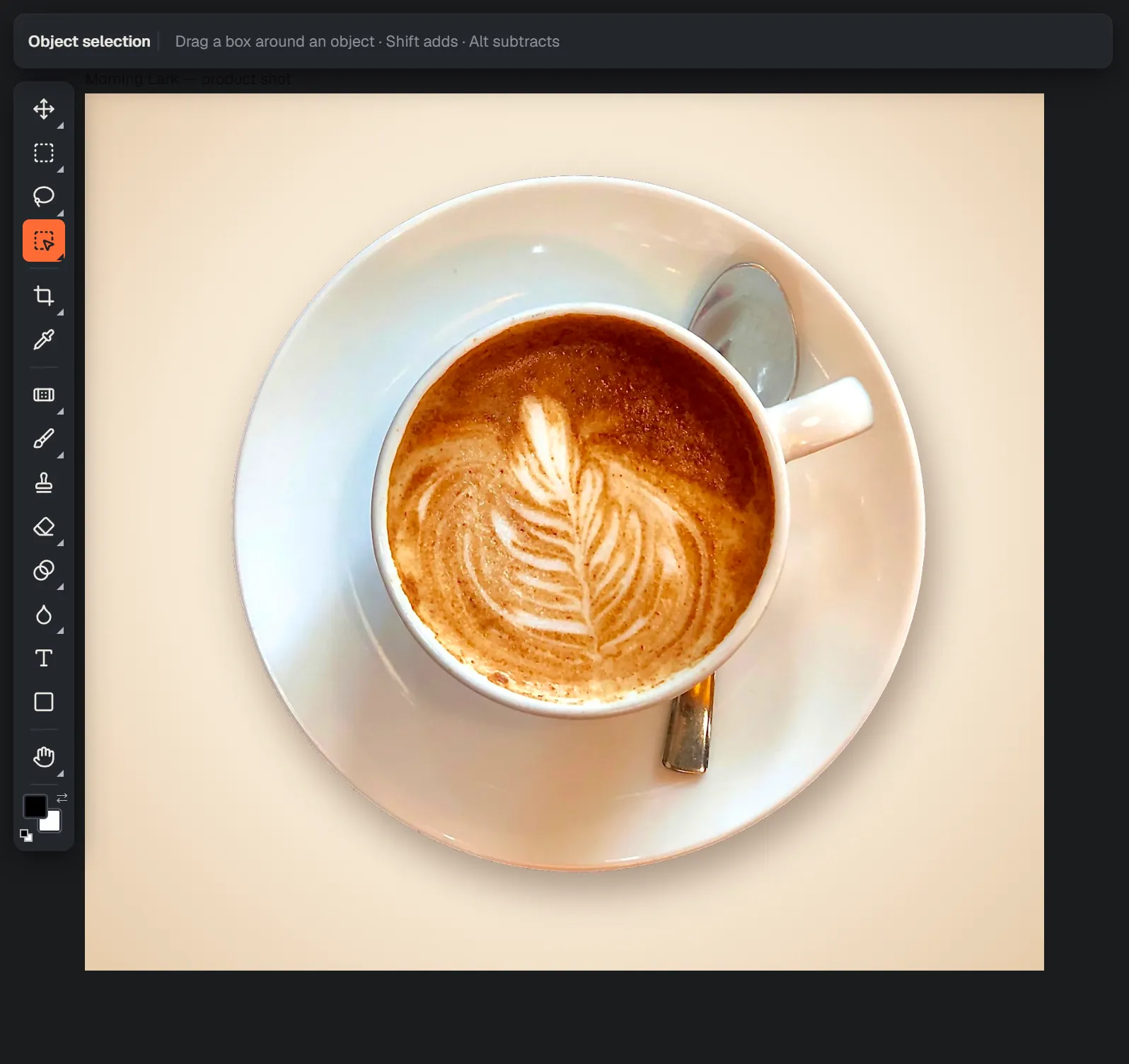
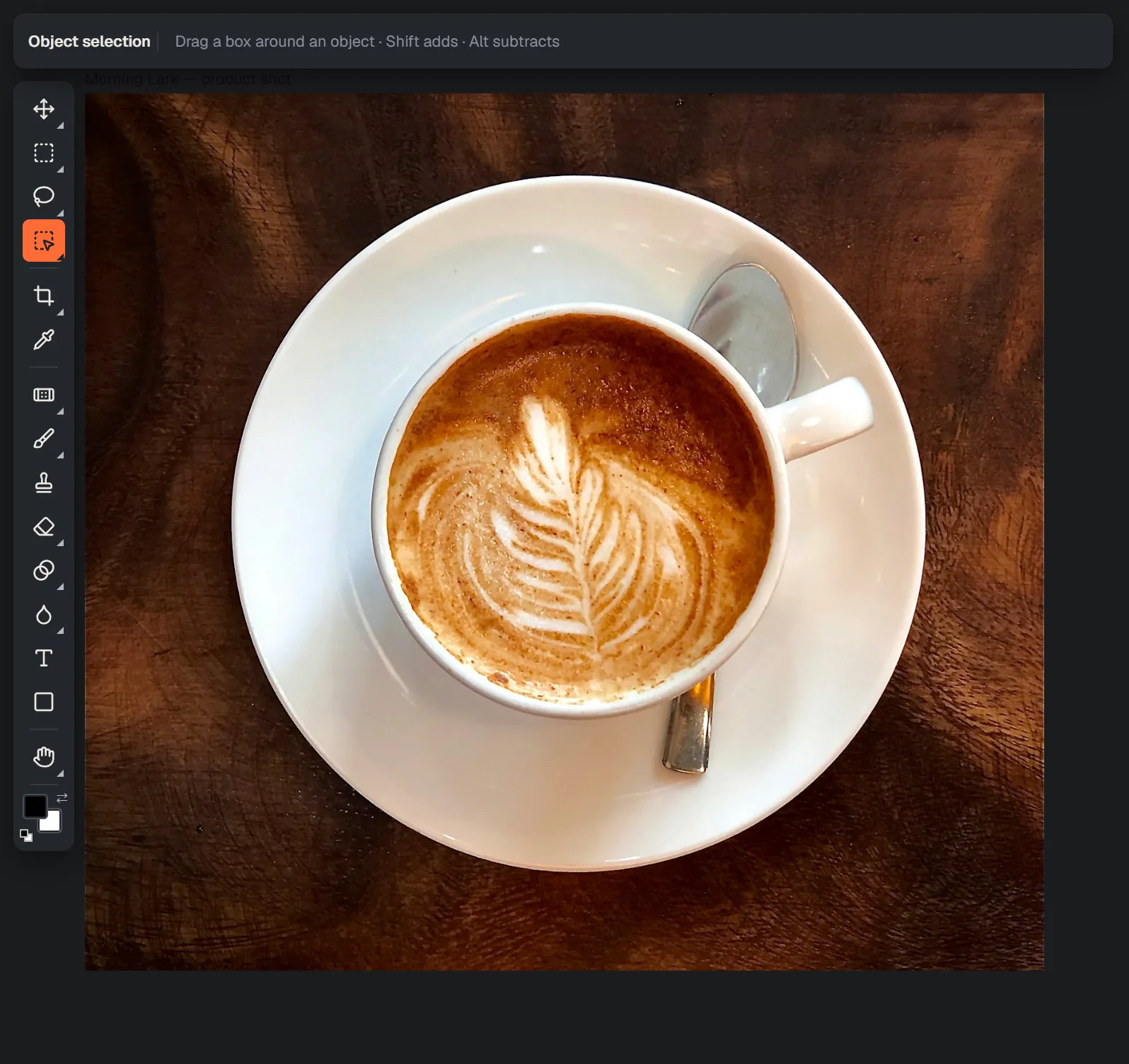
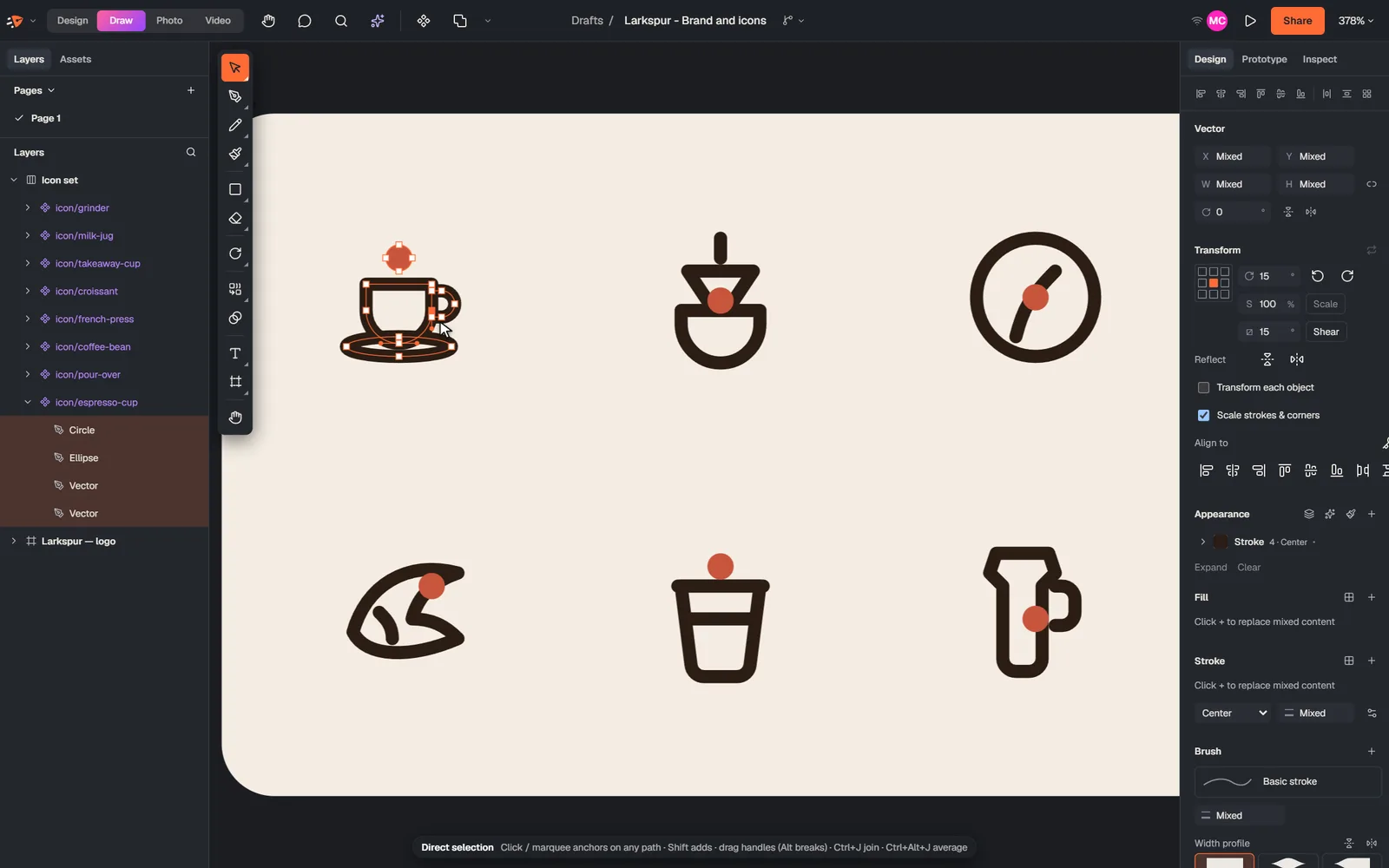
Every AI step is one undo, and Revert AI edit restores the original cut.
Academy
46 hands-on lessons, 10 guided projects and 8 challenges run in real practice files. “Show me” drives the actual editor with a ghost cursor, and an AI coach reviews your work against the brief.
Open the Academy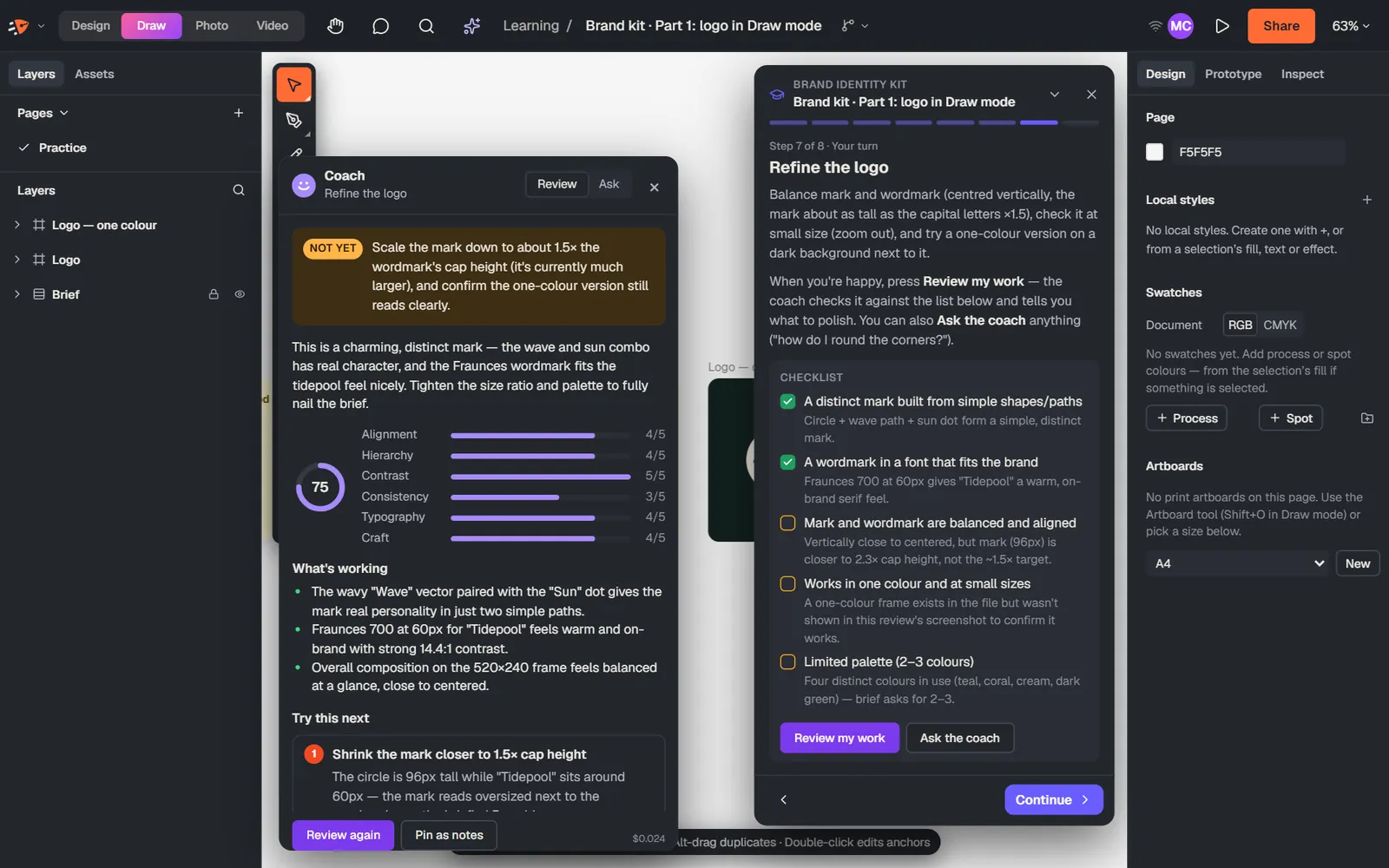
What it isn't (yet): no 3D and no particle effects.
Pricing
Every studio and every feature, for you and your team. AI features are included with a daily fair-use limit.
Request early accessInvite-only while we're in beta. Ask and we'll email you when there's a spot.